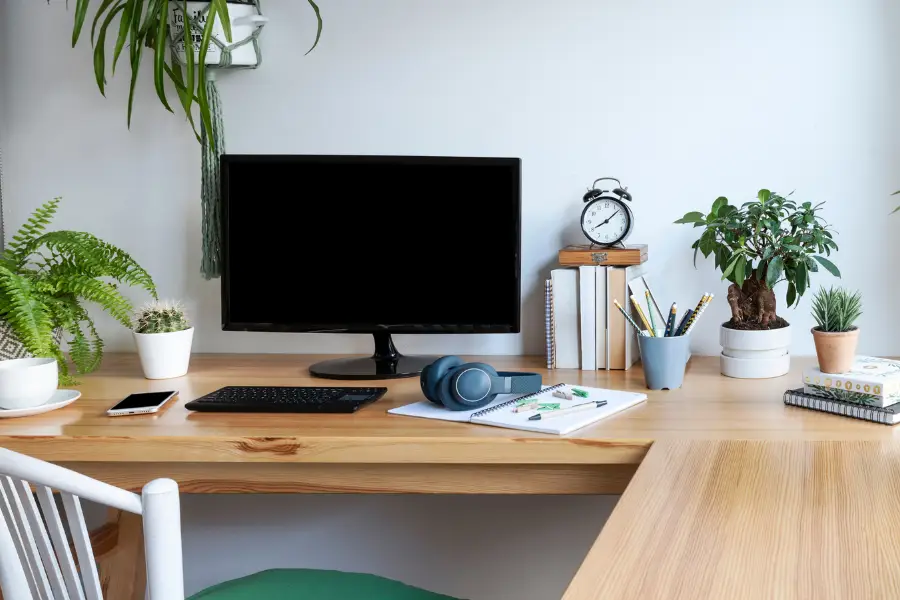
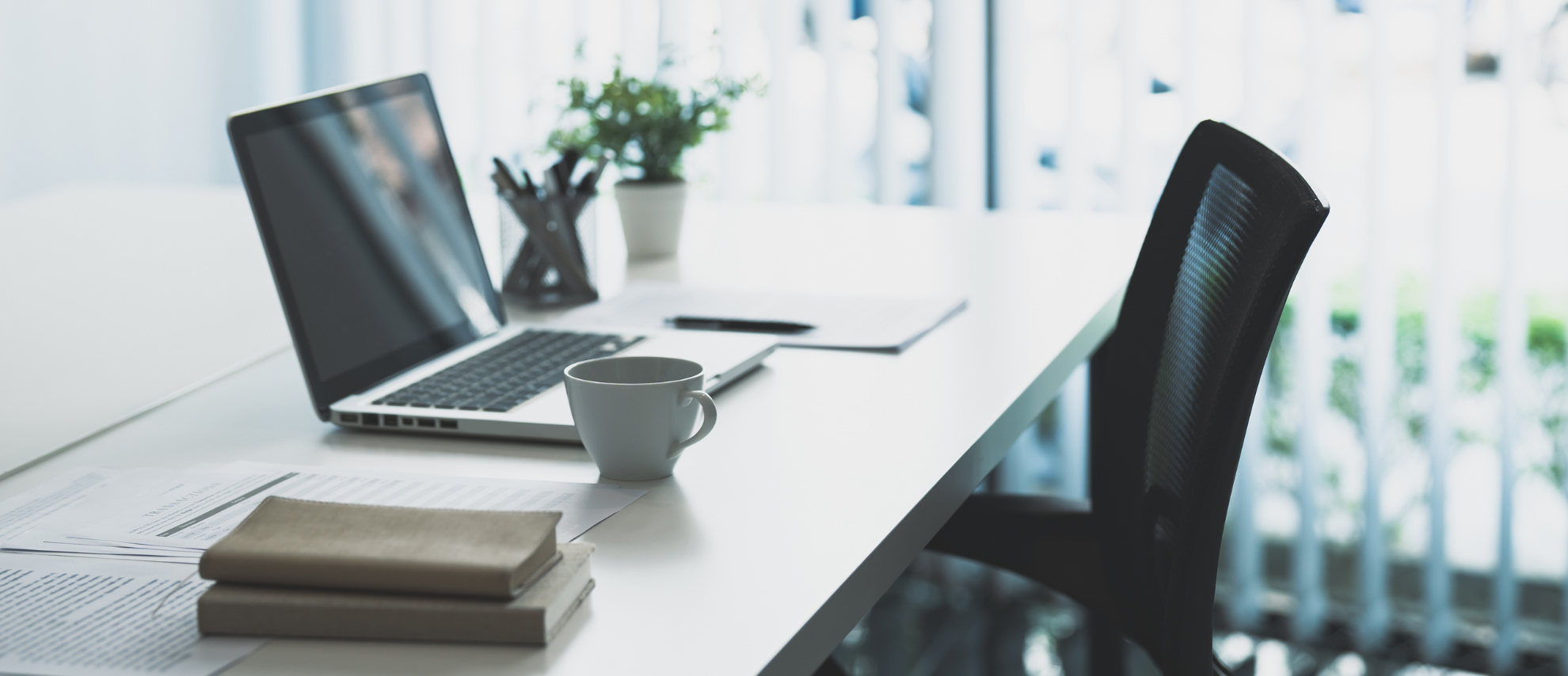
A well-planned desk setup can make your day feel smoother, more organized, and more comfortable. Whether you work from home, study online, manage a business, game after hours, or simply use your computer for everyday tasks, the right computer and desk accessories can make a big difference. Your desk is more than a place to put a laptop or monitor. It is a space where productivity, comfort, focus, and creativity come together.
Many people start with the basics: a computer, a chair, and a desk. While those items are important, the accessories around them help shape the full experience. A good setup can reduce clutter, improve posture, keep devices charged, make typing easier, support better lighting, and help everything feel easier to reach. The goal is not to make your desk look overly
complicated. The goal is to create a setup that works for you.
From monitor stands and keyboards to charging stations, desk mats, cable organizers, speakers, lamps, and storage tools, the right accessories can turn a plain desk into a space that feels clean, useful, and ready for your daily routine.
Start with Your Main Work Area
Before adding accessories, it helps to think about how you use your desk most often. Do you work on a laptop? Do you use a desktop computer? Do you need space for writing, drawing, packaging orders, studying, or organizing paperwork? Your daily habits should guide the layout.
The center of your desk should be reserved for the item you use most. For many people, that is a laptop, keyboard, or monitor. Keep this area as open and comfortable as possible. If your desk is crowded from the start, accessories may make it feel even more cluttered. A clean center workspace gives you room to move, type, write, and focus.
Once the main work area is set, place your most-used accessories nearby. A mouse, keyboard, notebook, phone stand, or charger should be within easy reach. Items you use less often can be placed to the side, in drawers, or on shelves. This keeps the desktop from feeling packed while still keeping everything available.
Choose the Right Monitor Setup
Your monitor position plays a big role in comfort. If your screen is too low, you may find yourself leaning forward or looking down all day. Over time, that can lead to neck and shoulder discomfort. A monitor stand or riser can help lift the screen to a better height, making your setup feel more natural.
A good rule is to keep the top of your screen close to eye level. Your eyes should look slightly downward toward the center of the screen. If you use a laptop, a laptop stand can help raise the screen, but you may also want an external keyboard and mouse. This allows you to keep the screen lifted while still typing comfortably.
For people who multitask often, a second monitor can be helpful. It allows you to keep multiple windows open without constantly switching tabs. A dual monitor arm can save desk space and make it easier to adjust screen angles. This can be especially useful for designers, students, content creators, gamers, and anyone who works with several programs at once.
Add a Comfortable Keyboard and Mouse
The keyboard and mouse are two of the most important computer accessories because you use them constantly. A comfortable keyboard can make typing easier and reduce strain during long sessions. Some people prefer a full-size keyboard with a number pad, while others like a compact keyboard that saves desk space.
Mechanical keyboards are popular for their responsive feel, while slim wireless keyboards are great for clean, minimal setups. The best choice depends on your typing style, available space, and personal preference. If you type for long hours, comfort should matter more than appearance.
A quality mouse is just as important. A standard mouse works well for many people, but an ergonomic mouse may be better if you experience wrist discomfort. Some people prefer vertical mice because they place the hand in a more natural position. Others prefer trackpads or trackballs. Try to choose a mouse that feels smooth, accurate, and comfortable for your daily use.
A wrist rest can also be useful, especially if your keyboard or mouse sits higher than the desk surface. It can add support and help keep your hands more relaxed.
Use a Desk Mat for Comfort and Style
A desk mat is one of the simplest accessories to add, but it can make your setup feel much more finished. It creates a smooth surface for your keyboard and mouse, protects your desktop, and visually ties the setup together.
Desk mats come in different sizes, colors, and materials. A larger mat can hold your keyboard, mouse, and other small items while giving your desk a clean, organized look. It can also help reduce noise from typing or moving items across the desk.
If you use a mouse often, make sure the desk mat surface works well for tracking. Some mats are designed specifically for gaming or precision work, while others are better for general use. A good desk mat adds both function and comfort without taking up extra vertical space.
Keep Cables Under Control
Cables can quickly make a desk feel messy. Between computer chargers, monitor cords, phone chargers, speakers, lamps, and USB hubs, wires can pile up fast. Cable management accessories help keep everything neat and safer.
Cable clips, sleeves, ties, trays, and under-desk organizers are useful tools for controlling wires. A cable tray mounted underneath the desk can hold power strips and extra cords so they are not visible on the desktop or floor. Cable sleeves can group multiple wires together, while clips can keep charging cables from sliding behind the desk.
A good cable setup also makes cleaning easier. Instead of moving around tangled cords, you can wipe surfaces and vacuum around the desk with less frustration. It also helps prevent cables from getting damaged, bent, or pulled loose.
Wireless accessories can reduce cable clutter too. A wireless keyboard, mouse, headphones, or charging pad can help create a cleaner look. However, wireless items still need charging, so it is helpful to have a charging area built into your setup.
Create a Charging Station
Most desks now hold more than one device. Phones, tablets, earbuds, smartwatches, wireless mice, keyboards, speakers, and other tech items all need power. A charging station can keep everything organized and ready to use.
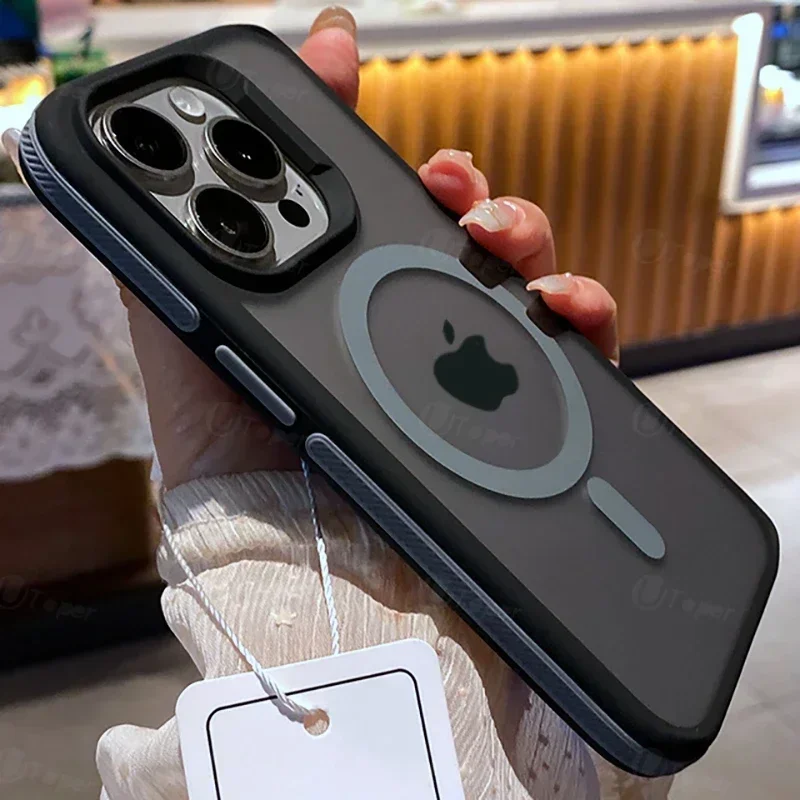
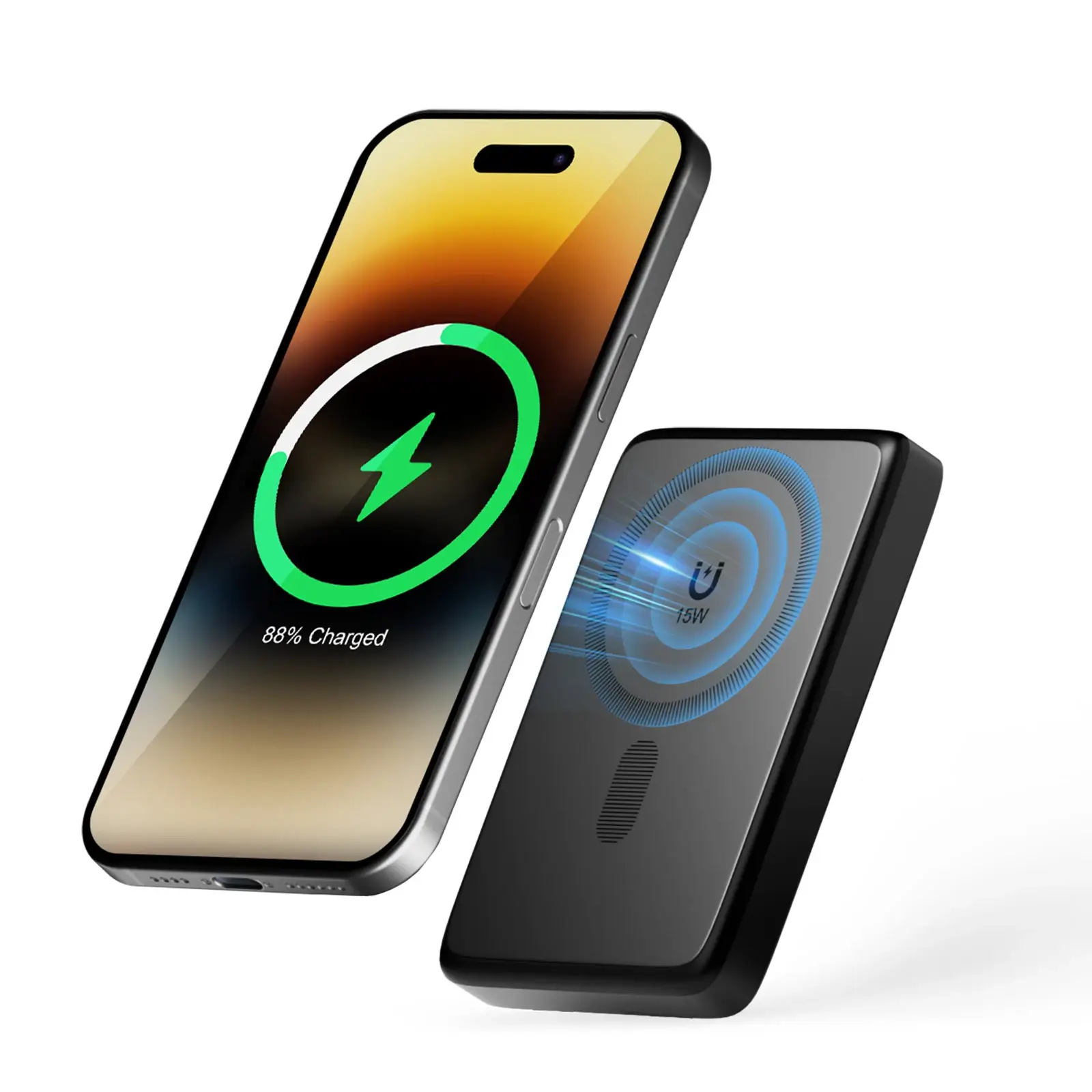
A multi-port USB charger is a helpful accessory for any desk. It allows you to charge several devices from one location instead of filling every wall outlet. A wireless charging pad or stand can be useful for phones and earbuds, especially if you like keeping your phone visible while it charges.
A phone stand is another small but helpful addition. It keeps your phone upright, making it easier to see notifications, join calls, follow instructions, or use it as a second screen. Some phone stands include charging features, while others are simple holders.
Try to keep your charging station in one area of the desk. This prevents cords from spreading across the workspace and makes it easier to find your devices when you need them.
Improve Lighting for Focus and Comfort
Good lighting can completely change the feel of a desk setup. Poor lighting can cause eye strain, headaches, and reduced focus, especially if you work early in the morning, late at night, or in a dim room.
A desk lamp is one of the best accessories for creating a comfortable workspace. Adjustable lamps allow you to direct light exactly where you need it. Some lamps include brightness settings, color temperature controls, or USB charging ports.
Warmer light can feel cozy and relaxing, while cooler light may help with focus during work sessions. Adjustable lighting gives you more control based on the time of day and the type of work you are doing.
LED light strips can also add personality to a desk setup. They can be placed behind monitors, under shelves, or along the back edge of a desk. This type of lighting can reduce harsh contrast between a bright screen and a dark room while adding a modern look.
Add Audio Accessories
Audio accessories can make your desk more enjoyable and functional. If you take calls, attend virtual meetings, listen to music, edit videos, or game, the right sound setup matters.
A good pair of headphones can help with focus, especially in busy homes or shared spaces. Noise-reducing or noise-canceling headphones can make it easier to concentrate. If you take frequent calls, a headset with a microphone may be more practical.
Desk speakers are another option. Compact speakers can provide better sound than built-in laptop or monitor speakers. They are useful for music, videos, online learning, and entertainment. If space is limited, choose speakers that fit neatly under a monitor or beside your screen.
A microphone can be a helpful addition for content creators, streamers, podcasters, or anyone who wants clearer audio on calls. A small desktop microphone or adjustable microphone arm can improve sound quality and keep the desk organized.
Use Storage and Organization Tools
A productive desk setup should make it easy to find what you need. Storage accessories help keep your workspace clear while giving everything a proper place.
Drawer organizers are great for pens, sticky notes, chargers, adapters, memory cards, and small office supplies. Desk trays can hold papers, folders, or notebooks. Small shelves can create vertical storage and free up desktop space.
If you use many tech accessories, consider a small storage box or organizer for extras like cables, USB drives, batteries, adapters, and cleaning cloths. Keeping these items together prevents them from getting lost and helps your setup stay neat.
A monitor stand with built-in storage can also be useful. It lifts your screen while providing space underneath for a keyboard, notebook, or small accessories. This is a good option for smaller desks.
Make Room for Comfort Items
A desk setup should not only be practical. It should also feel comfortable and inviting. Small comfort accessories can make your workspace more pleasant, especially if you spend long hours there.
A supportive chair cushion, footrest, wrist rest, or adjustable laptop stand can improve comfort. A small plant, framed photo, candle warmer, or simple decor item can make the space feel more personal. The key is to avoid adding too much. A few thoughtful pieces are usually better than a crowded surface.
If your desk is used for both work and relaxation, try to create a setup that can shift easily. For example, keep gaming controllers, drawing tools, or hobby items in nearby storage so they are available without taking over the work area.
Clean Your Setup Regularly
Once your desk is set up, regular maintenance helps keep it working well. Dust can build up around monitors, keyboards, speakers, and cables. A small electronics cleaning kit, microfiber cloth, keyboard brush, or screen cleaner can help keep everything fresh.
Try to reset your desk at the end of the day. Put small items back in place, wrap loose cords, throw away old notes, and clear the main workspace. This makes it easier to begin the next day with a clean surface and a focused mindset.
Conclusion
Setting up your desk with the right computer and desk accessories can improve comfort, organization, focus, and daily productivity. A thoughtful setup does not need to be expensive or overly complicated. Start with the basics that matter most: screen height, comfortable typing, easy charging, good lighting, cable control, and smart storage.
The best desk setup is one that fits your routine. Choose accessories that support the way you work, study, create, or relax. With the right mix of computer tools, organization products, lighting, audio accessories, and comfort items, your desk can become a space that feels clean, useful, and ready for whatever the day brings.